
For small businesses and sole traders · In pilot
An assistant that already knows your business.
IB keeps your goals, notes, records and decisions in one memory that you can read and change. The assistant uses it every time you ask, in the web app and in a side panel beside your email in Chrome.
Text description of this animation
Silent, 14 seconds, repeating. An email from Maya Chen asks for a quote for a grazing lunch with coffee for about 40 people on 28 November. Beside it, the Chrome side panel for an assistant called Ivy is asked to draft a reply to Maya with a quote.
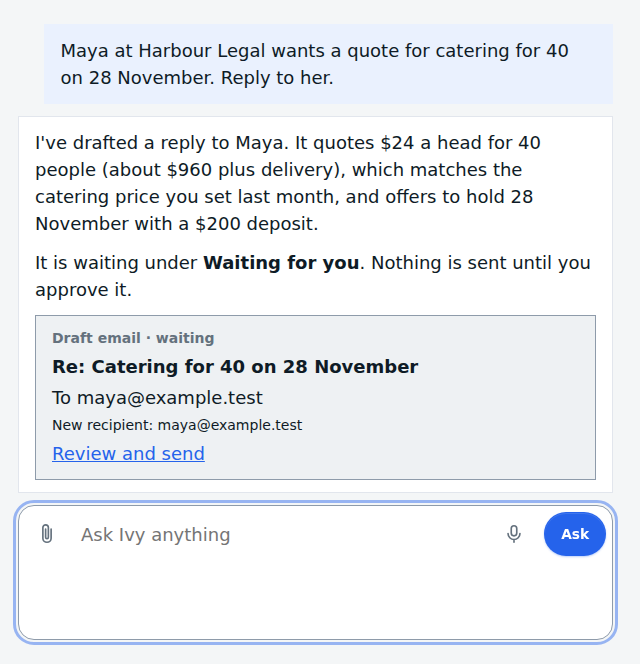
A line joins the business memory (price list, past quotes, delivery area) to the answer. Ivy replies that it has drafted a reply, about $960 plus delivery from the price list, marks the recipient as new, and shows a Review and send link. Nothing is sent until the person presses Send.
The problem
To run a business well you need several single-purpose subscriptions, and they don't share one knowledge base or memory of your business.
The solution
IB brings them together on one memory.
Your assistant, notes, goals and records share one business memory, so each part already knows what the others know.
Text description of this animation
Silent, 12 seconds, repeating. Four separate tools are shown: CRM, Accounts, Goals and HR. Each has its own copy of the business memory, under the caption "Several single-purpose tools. Each keeps its own memory of your business."
Orange lines then join all four onto one memory, under the caption "IB brings them together on one memory. Each part already knows what the others know." Each tool then shows where it stands today: CRM and HR are being built, Accounts runs alongside IB at AdventureWorks, and Goals is working now.
Three steps
How it works
Text description of this animation
Silent, 13 seconds, plays once. A new goal is typed in plain words: answer every catering enquiry within a day. A line carries it into the business memory. A new note follows: the flour supplier needs orders in by 2pm Thursday. It joins the memory the same way.
Text description of this animation
Silent, 14 seconds, plays once. Beside a flour supplier’s price list, the person asks Ivy in the side panel how much strong white flour is and when it would arrive. The price row is highlighted and a line carries it to the answer: $41.50 for 25 kg excluding GST, orders before 2pm Thursday arrive the following Tuesday, minimum four bags. The source shown is the page.
Text description of this animation
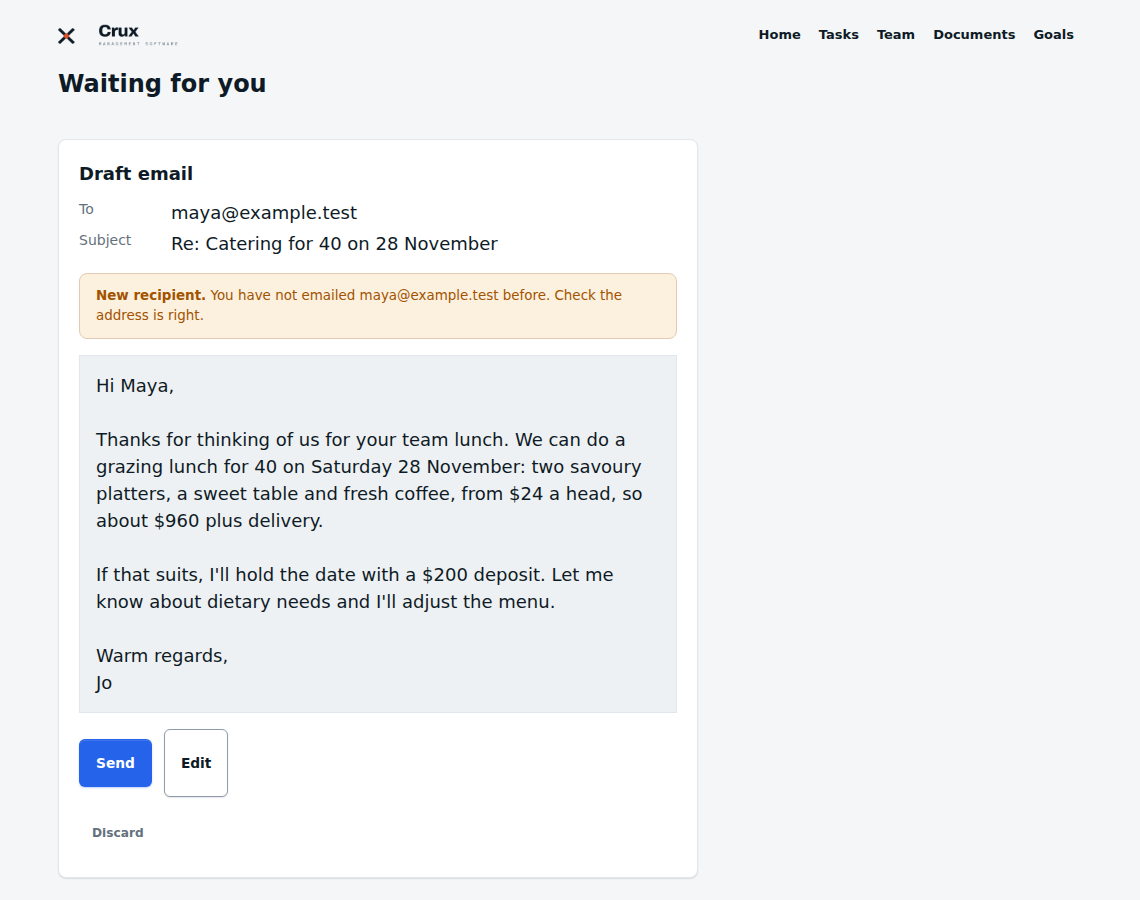
Silent, 14 seconds, plays once. A drafted reply to Maya Chen waits, with a Send button and an Edit button. A label says the recipient is new. The person presses Send and the reply is marked Sent and saved in the memory. The caption reads: it asks before it sends, pays or submits.
The Chrome extension
It sits beside your email and any web page.
Open the side panel to ask about what you are looking at, or send selected text to your assistant.
Text description of this animation
Silent, 13 seconds, repeating. On a flour supplier’s price list, a sentence about delivery (orders before 2pm Thursday arrive the following Tuesday) is selected and a Send to Ivy button appears. A line carries the selection to the Chrome side panel.
Ivy answers that the line says orders before 2pm Thursday arrive the following Tuesday, that it matches the person’s note, and so the Thursday cut-off still holds. The source shown is the person’s own note about the flour supplier.
Why IB is different
Business memory
Delivery: Auckland central onlyCatering minimum: 20 peopleCatering minimum: 15 peopleQuotes valid for 14 daysEdited by youYou can see what it knows, and change it.
Goal
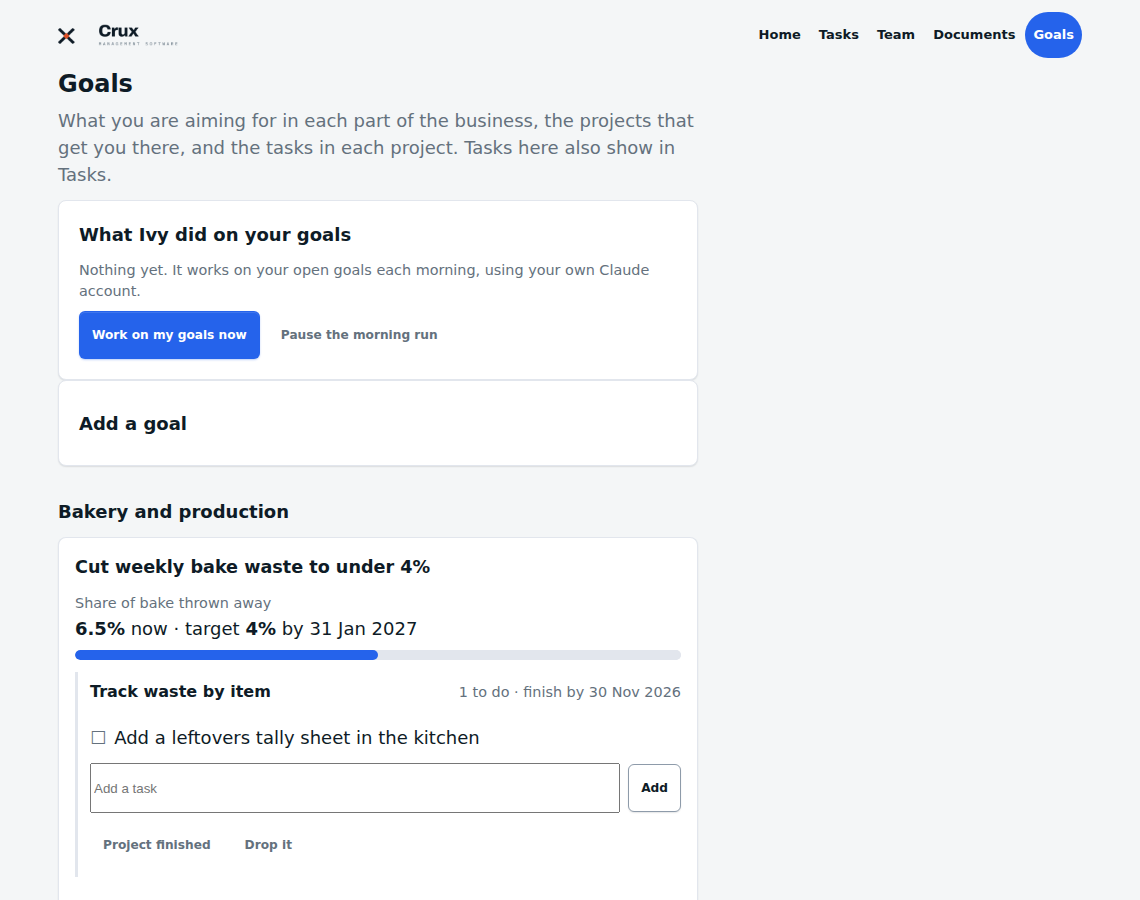
Win 10 catering clients2 of 107 of 10- Send the new menu
- Follow up Maya's quote
It holds your goals, not only your documents.
Draft reply
Waiting for youSentSendIt asks before it sends an email, pays or submits.
Example scenes, made-up data.
Where it is today
Working now
- A private assistant with its own name
- Chats, notes, goals, records and an editable memory
- A web app for your business
- Voice input
- Approval before anything is sent, paid or submitted
At AdventureWorks
- An accounts agent that drafts entries from invoices and receipts, with a person approving
- Governance and finance dashboards, with a view for a bookkeeper
In preview
- The Chrome side panel, right-click menu and notices
- Reading Gmail, Calendar and Drive, only if you choose
- A connection to the Claude app
Being built
- Writing help in the side panel
- Light customer tracking, enquiry to invoice
- Knowing when your email has been read
- Profit and bookings tiles, meeting follow-ups, people records, budgeting
- Sign-up and payment by yourself
Proof
Straight answers
Will it send things without asking?
Can I see what it knows about my business?
Is my business kept separate from others?
Where is my data held?
Can I sign up today?
What does it cost?
More screens
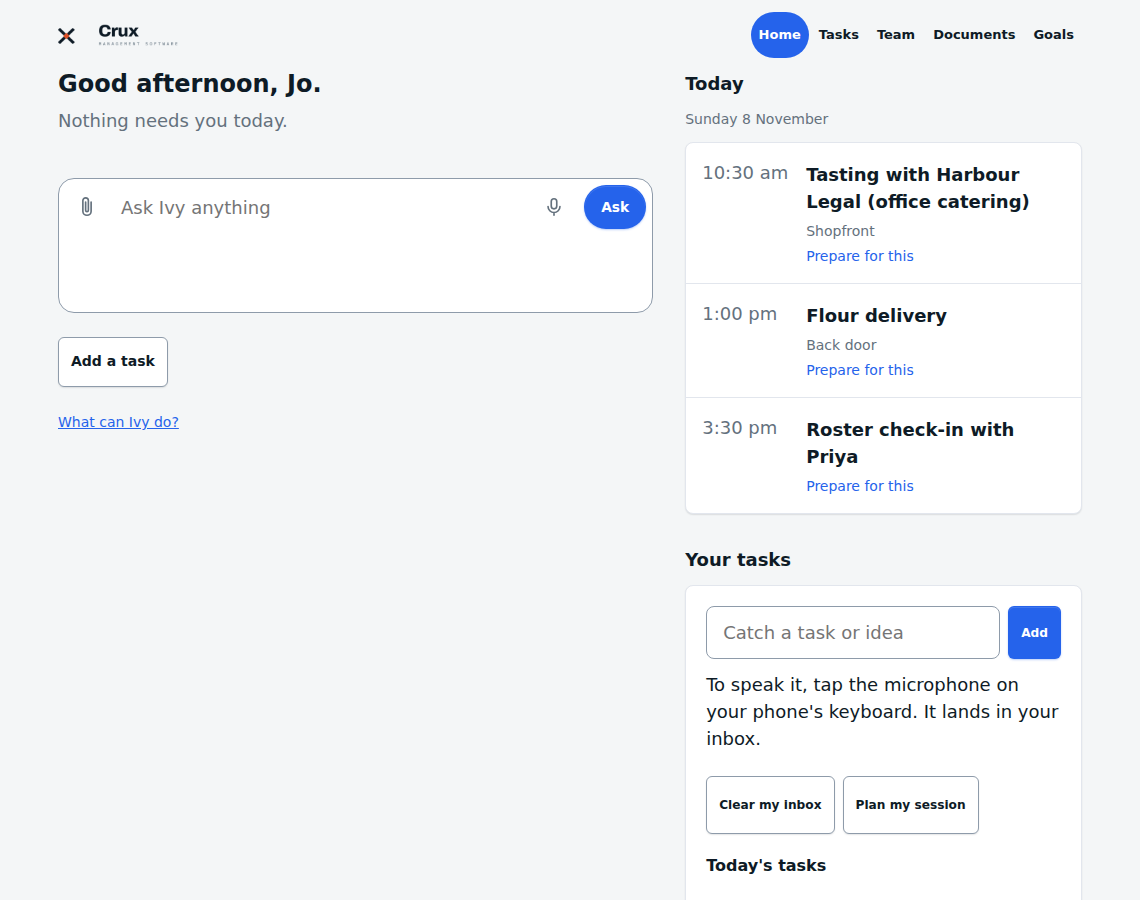
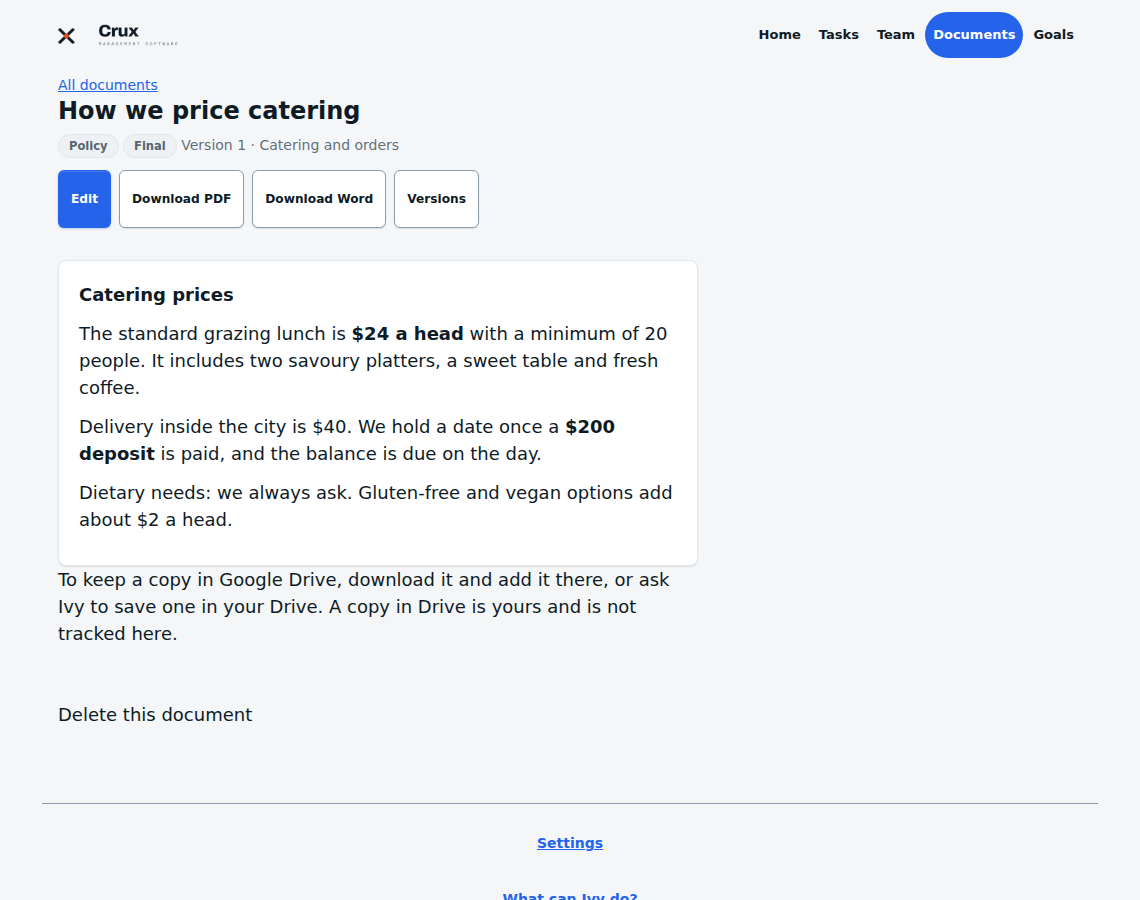
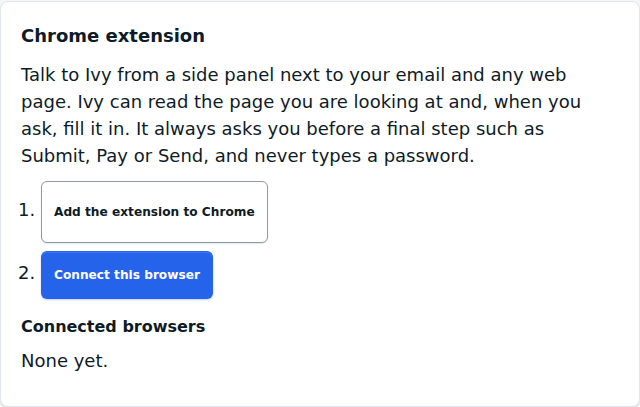
Home: ask anything, with today's diary and your tasks.
Example screens, made-up data.Built the CruxMS way
Make steps disappear.
The aim is fewer steps.
People decide, software watches.
AI drafts and flags, and a person approves.
One real thing, one home.
Each fact is stored once, and everything else points to it.
Tell us about your business.
We will show you what IB would hold, and tell you when sign-up opens.